

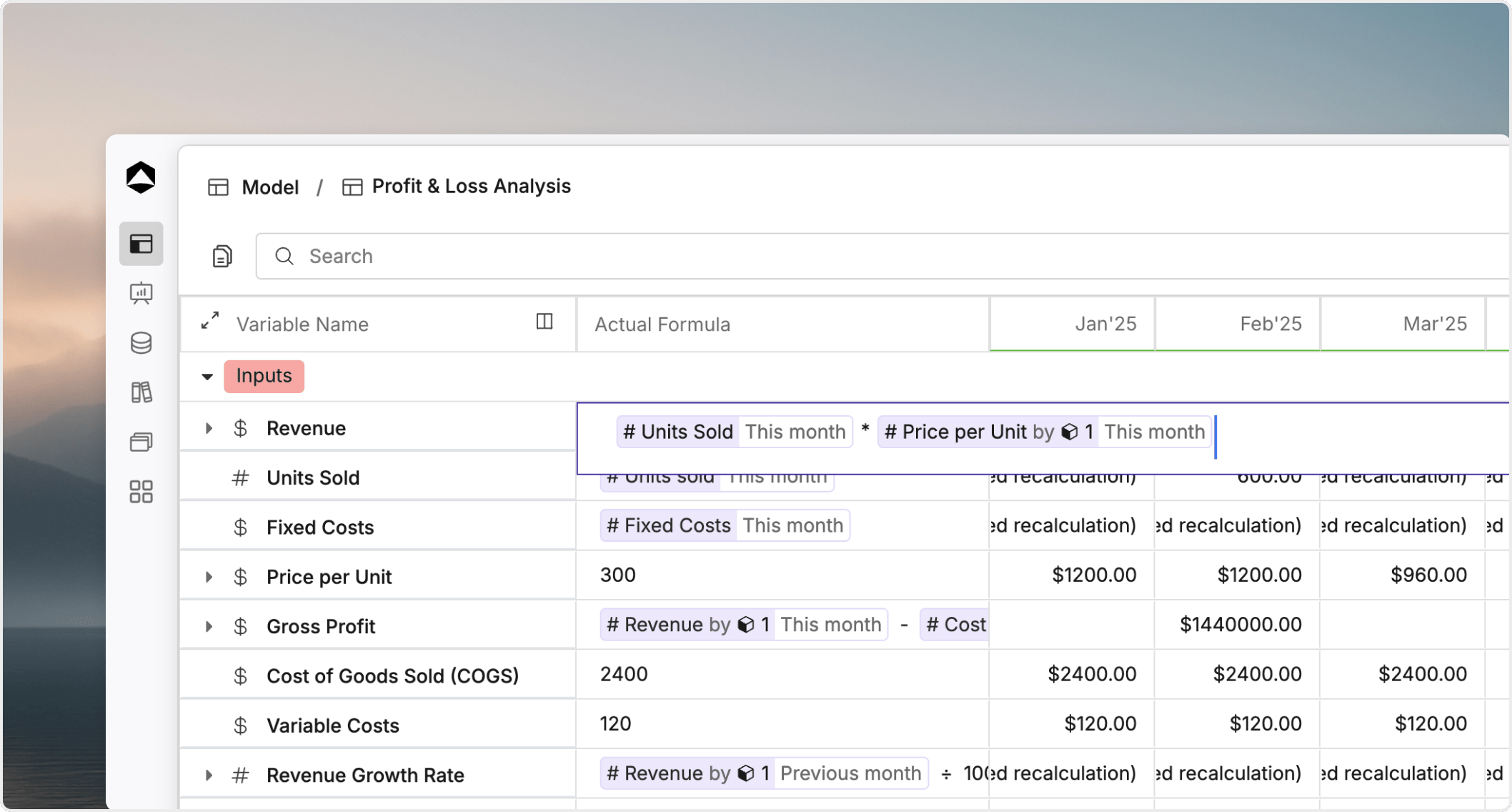
Why formulas matter
Formulas let you:- turn manual inputs into reusable logic
- reference other variables instead of duplicating values
- react to time, dimensions, and aggregation context
- separate historical behavior from forward-looking planning logic
- feed consistent outputs into views, boards, and scenarios
Where formulas live
In Oculon, formulas usually live on variables inside a model. A variable can hold entered values, calculated values, or a mix of both depending on how you set it up. This is why formulas are part of model structure, not just reporting. If a core variable changes, the formulas that depend on it can change downstream outputs across the model.Actual formula versus planned formula
Most planning models need different logic on each side of the cutoff.- The
actual formulaapplies to periods up to and including theLast actual date. - The
planned formulaapplies to periods after that cutoff. - Both formulas belong to the same variable, but they can behave differently when the model moves from closed periods into forecast periods.
The three building blocks of formulas
Every formula is usually made from three core parts:Operators
Operators handle arithmetic and comparisons such as+, -, *, /, =, !=, >, and <.
Functions
Functions help you express repeated logic more clearly. Common examples include conditional logic, rounding, sums, and averages. See Functions for the main categories.References
References connect one variable to another. Good references keep formulas readable and reduce duplicate logic. See Variable references for reference patterns and review tips.Formula context matters
The same formula can return a different result depending on the context where Oculon evaluates it. Common context shifts include:- the active time period
- the current dimension value
- whether the model is on the actuals side or planned side of the cutoff
- whether the result is being reviewed at detail level or summary level