

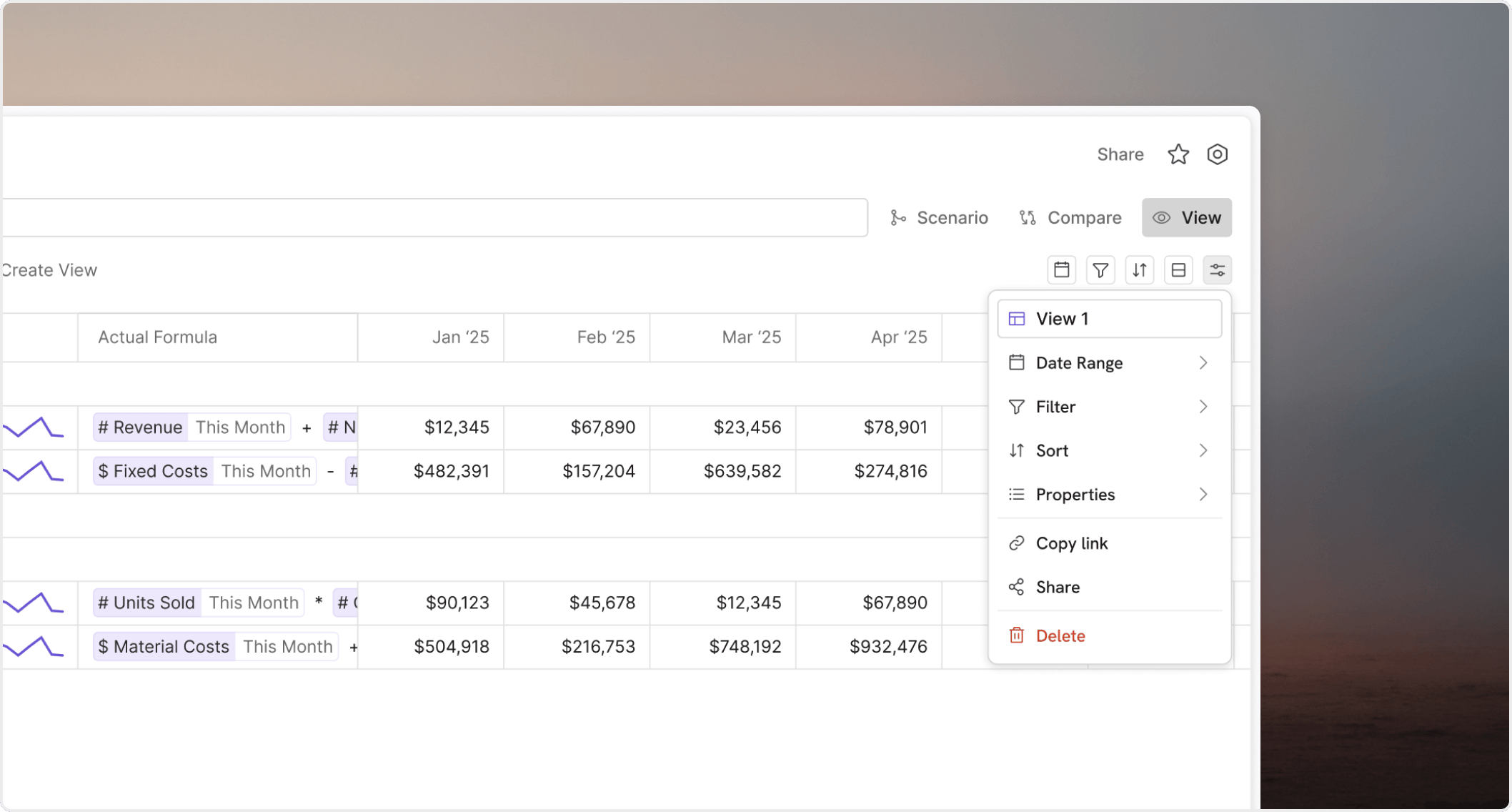
A view becomes useful when its saved setup matches the question you are trying to answer. View filter controls in Oculon

Use filters to narrow the question

Use filters to keep only the content that matters.
  • model views may filter variables, dimensions, scenarios, time periods, or visuals
  • database views may filter records, fields, categories, or date-based slices

Use sorting to surface priority

Use sorting to make the result easier to scan. Choose an order that highlights the rows, variables, or groups people need to review first.

Use grouping to add structure

Grouping helps when the audience needs shared structure, such as review by department, product family, status, or owner.

Expect options to differ by source

The available filters and grouping rules depend on whether the view comes from a model or a database. Start with the business question, then use only the controls that make that answer clearer.

Keep the setup readable

A view should feel intentional. If it needs too many hidden rules to make sense, the underlying model or reporting approach may need cleanup.