

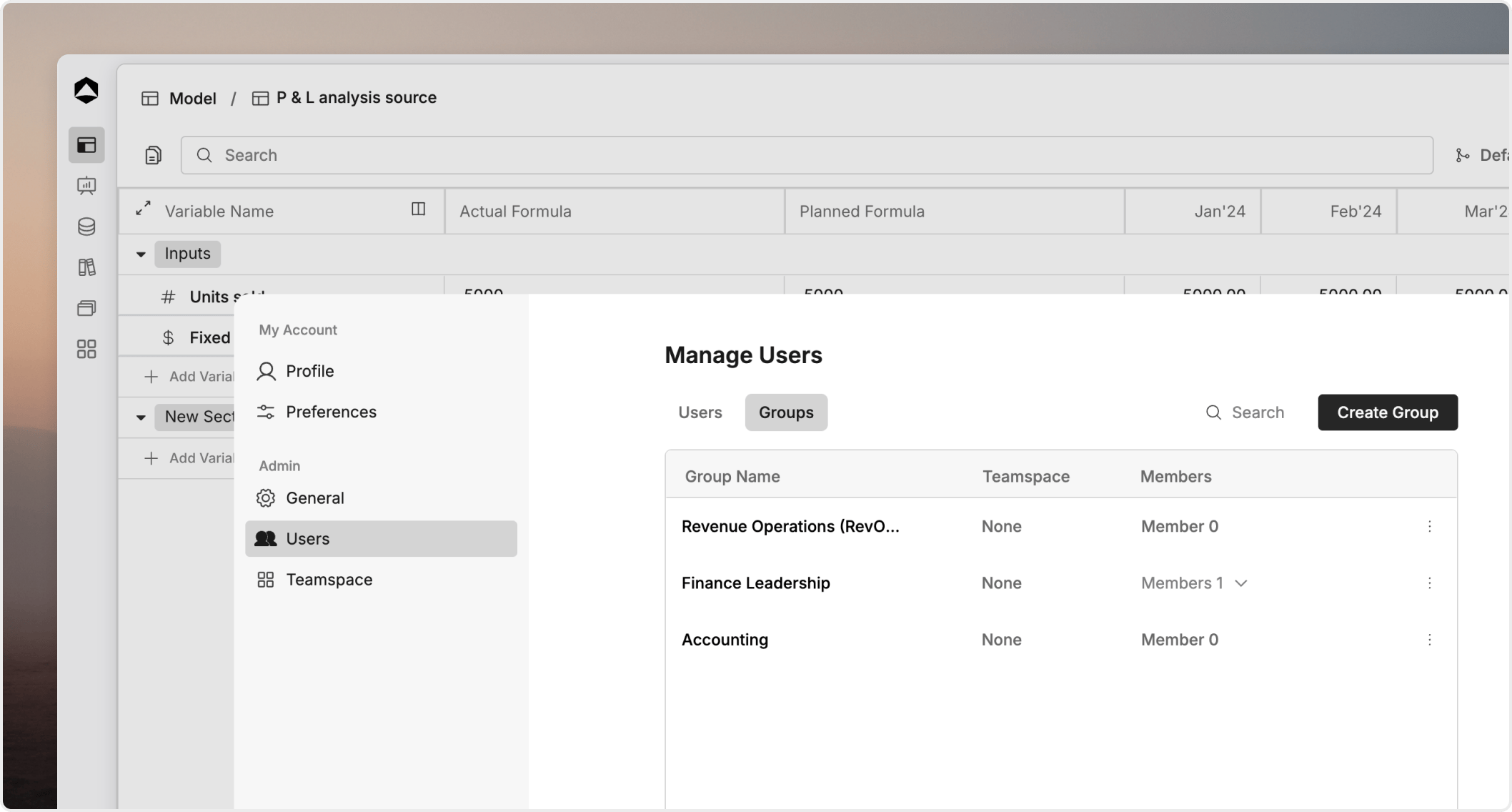
Groups help you scale access management without recreating the same permissions for every person.

Creating and managing groups

To create a new group:
  1. Click the Create group button in the Groups settings.
  2. An empty group will be created instantly.
  3. Rename the group: Click on the default group name to give it a descriptive name (e.g., “Finance Team” or “Leadership”).
  4. Add members: Search for and add workspace members to the group to grant them the collective permissions assigned to that group.
  5. Manage teamspace access: You can provide the group with access to one or more teamspaces directly from the group’s settings, ensuring all members have the right environment access.

Sharing with groups

Resources like models, boards, and databases can be shared with groups just like they are shared with individual users. When you share a resource with a group and assign a permission level (View, Edit, or Full Access), that permission automatically applies to everyone currently in the group. This allows you to manage access for large teams in a single action.

Why groups are useful

Groups reduce manual updates, keep access aligned with team structure, and make audits easier.

Good group design

Create groups around stable business concepts such as Finance, RevOps, or Executive Review. Avoid temporary groups that mirror a one-time meeting or short-lived project unless the access need is truly temporary.

Review group membership regularly

A clean group is only useful if the membership stays current. Review ownership and membership as part of onboarding and offboarding.