

Managing members
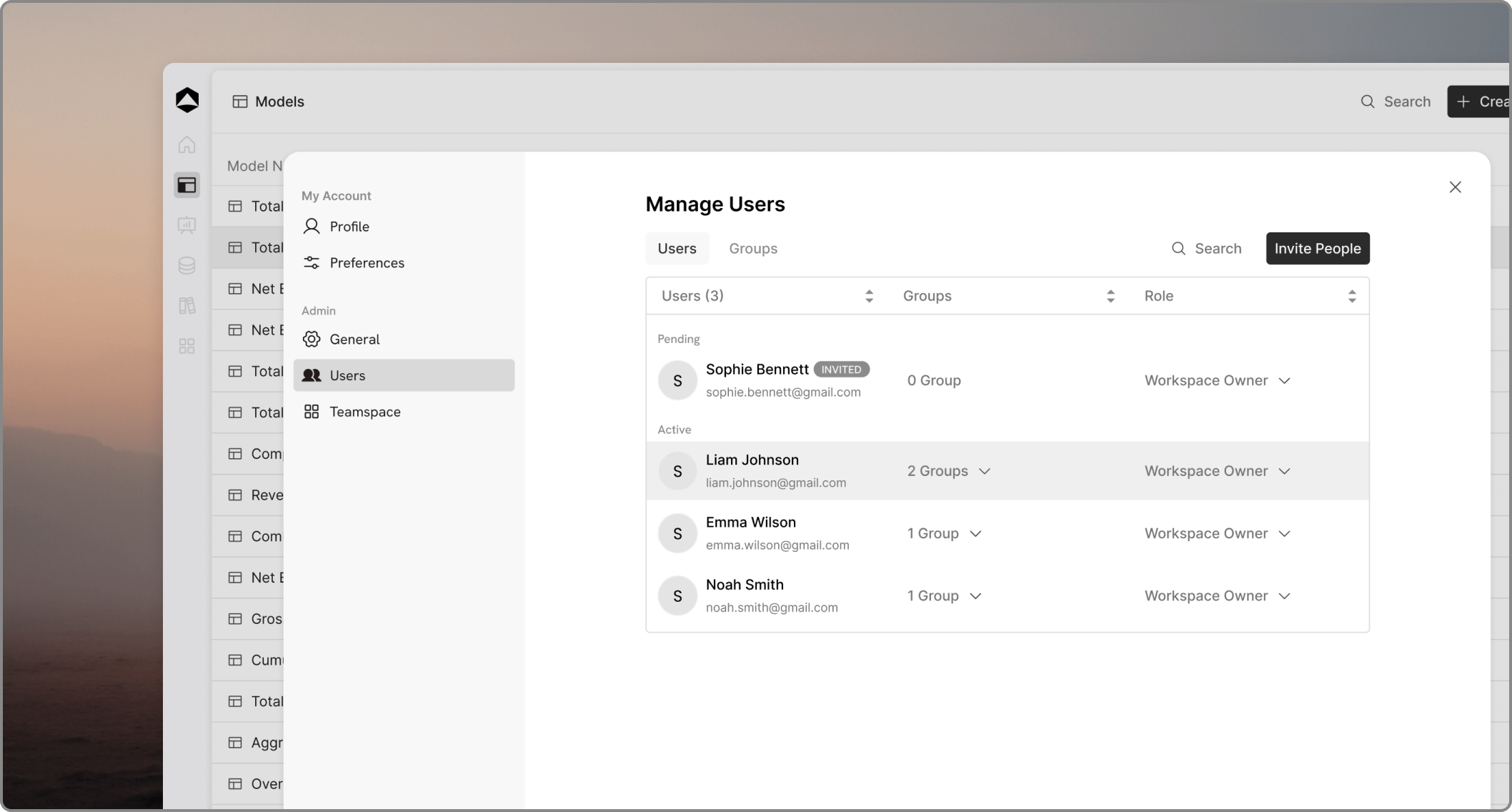
- Update user roles: Change permissions for any member.
- View group membership: See which groups a user belongs to.
- Remove members: Revoke access to the workspace entirely.
Workspace roles
Oculon uses two primary workspace-level roles:- Workspace Admin: Full control over settings, members, and all workspace resources.
- Workspace Member: Standard access to create and collaborate on models and boards.
Invite user flow
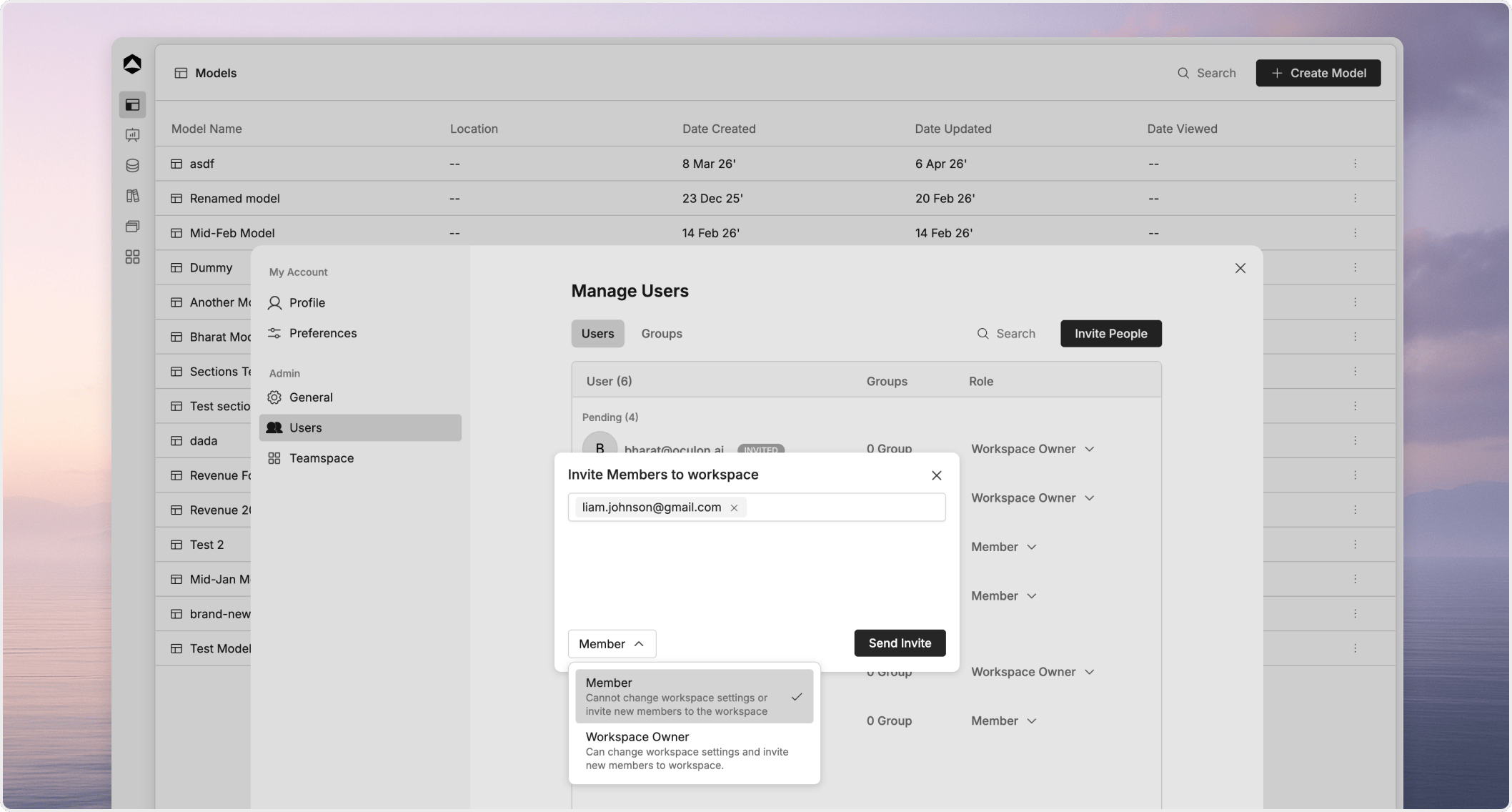
- Click the Invite Users button.
- Enter email addresses: You can invite one or multiple users by entering comma-separated email IDs.
- Choose access: Select the appropriate access level from the dropdown menu.
- Submit: Once submitted, these users will appear under a Pending status.