

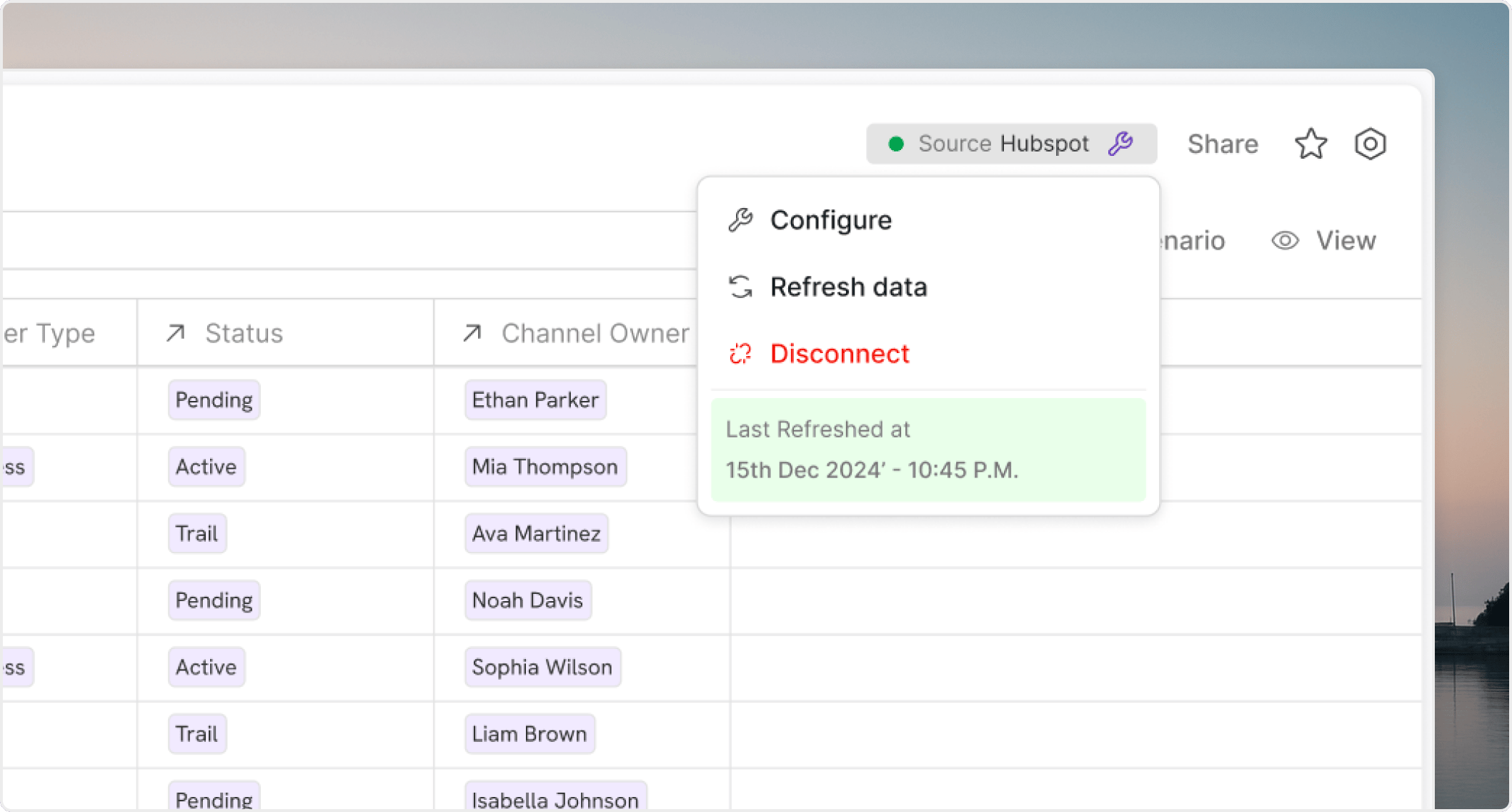
What a refresh should do
A refresh should update the database records first. After that, dependent models, views, and boards should reflect the new state according to their own calculation and display behavior. That is why source-first validation is so important. If the database itself is not current, downstream review will usually waste time.Manual and scheduled refreshes
Both refresh patterns are useful:Scheduled refresheshelp keep operational data current without manual effort.Manual refresheshelp when you need to validate a source change immediately or confirm a fix before the next normal cycle.
Check the source before the output
If a board or model looks wrong after a sync, start with the database record set and the connection status. Review:- whether the refresh actually completed
- whether the expected records arrived
- whether the source query changed
- whether a mapping broke after the refresh
Keep refresh ownership clear
Teams move faster when everyone knows:- who owns the source connection
- who checks refresh failures
- which databases require scheduled monitoring
- which downstream workflows are most sensitive to stale data
Common failure modes
The most common sync problems come from:- source schema changes
- delayed refresh timing
- missing records after a query change
- teams checking the modeled output before checking the source