

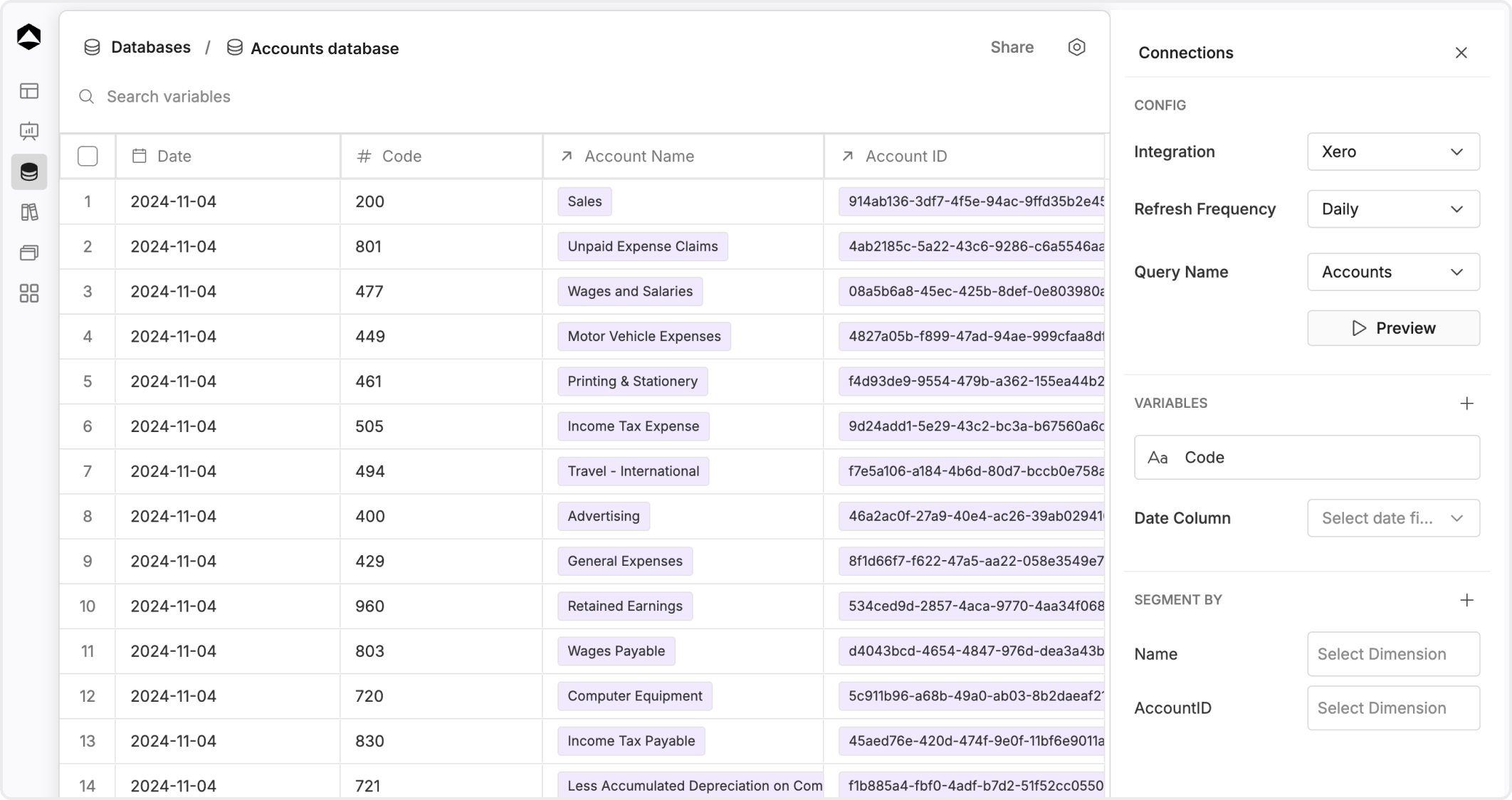
A practical workflow
Most database work follows this pattern:- create the database manually or from a query
- confirm the incoming fields and record shape
- review data quality before you connect the database to a model
- adjust columns, mappings, and structure where needed
- refresh and recheck the data as the source changes
Create and configure the database
If the data is managed in Oculon, create the database manually and define the columns directly. If the data comes from an external source, create the query first and then create the database from that query-backed workflow. After the database exists, review the configuration carefully. This is usually where you confirm source settings, field selection, and how the structure should behave downstream.Add and edit rows and columns intentionally
When you add or change data directly in a database, think beyond the current table view. Review:- whether the new field has one clear meaning
- whether the column name will still make sense in a model or board
- whether a row-level edit changes an important downstream mapping
- whether the database still has one consistent grain
Rename with care
Renaming a database or one of its fields can improve clarity, but it can also create confusion if other teams already rely on the current name. Rename when the improvement is meaningful, not just cosmetic.Export and review
Exports are useful when you need an offline review, a handoff, or a quick comparison against another source. Before you export:- confirm the active filters and grouping
- confirm the dataset is current
- confirm the audience needs raw records rather than modeled output