

Where to create a dimension
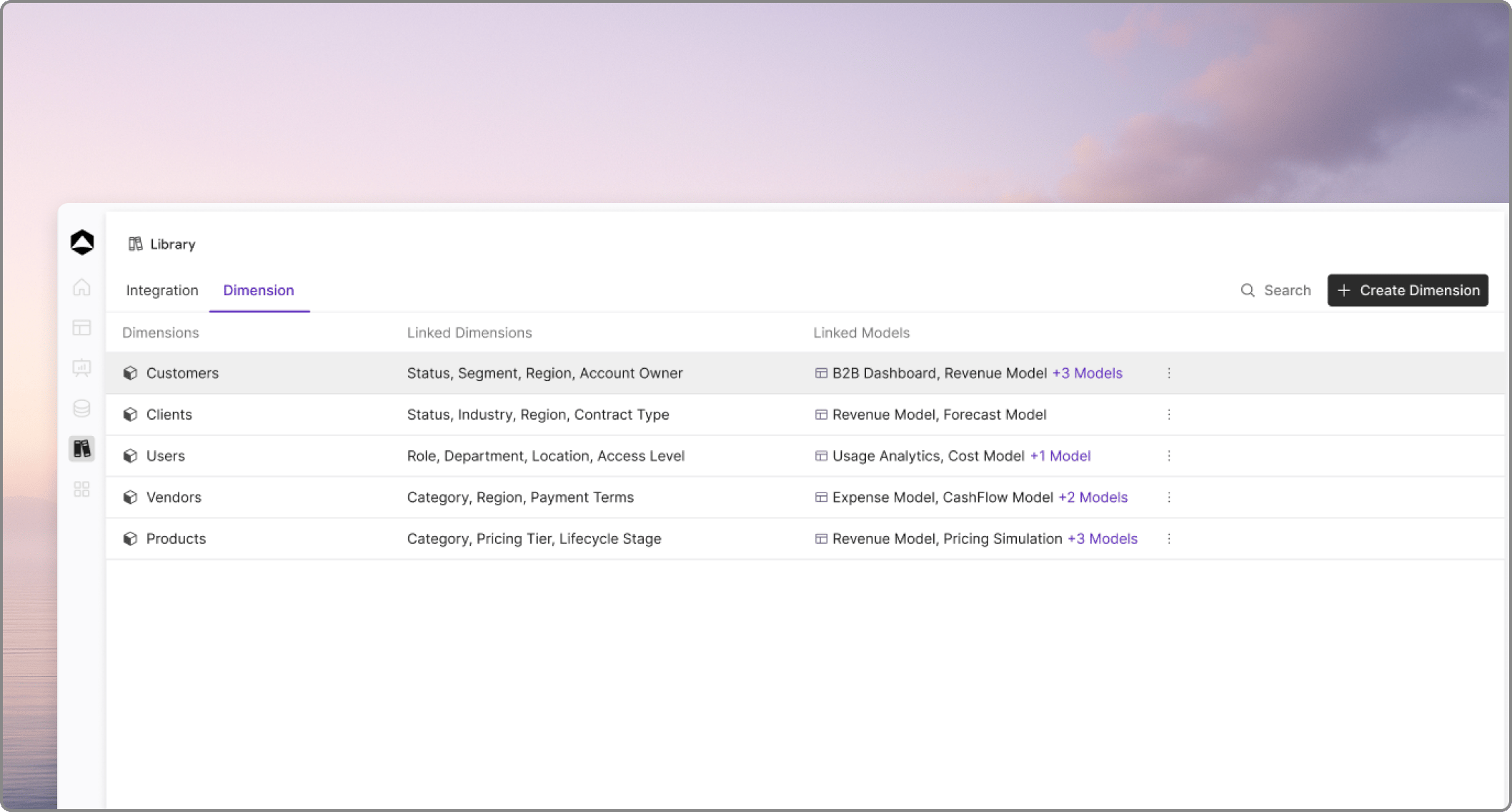
- From the Library: Navigate to the Library and open the Dimension list page to create and manage the dimension centrally.
- From a Model: While you are actively working in a model, you can open the page panel and select the option to add dimensions on the fly.
Editing default values
Once a dimension is added, Oculon automatically creates default values to act as placeholders. For example, if you name your new dimensionProduct, initial values such as product 1 and product 2 are generated for you.
You can open the dimension to edit these placeholder rows into your actual business values and add as many additional rows as you need.
The dimension details page
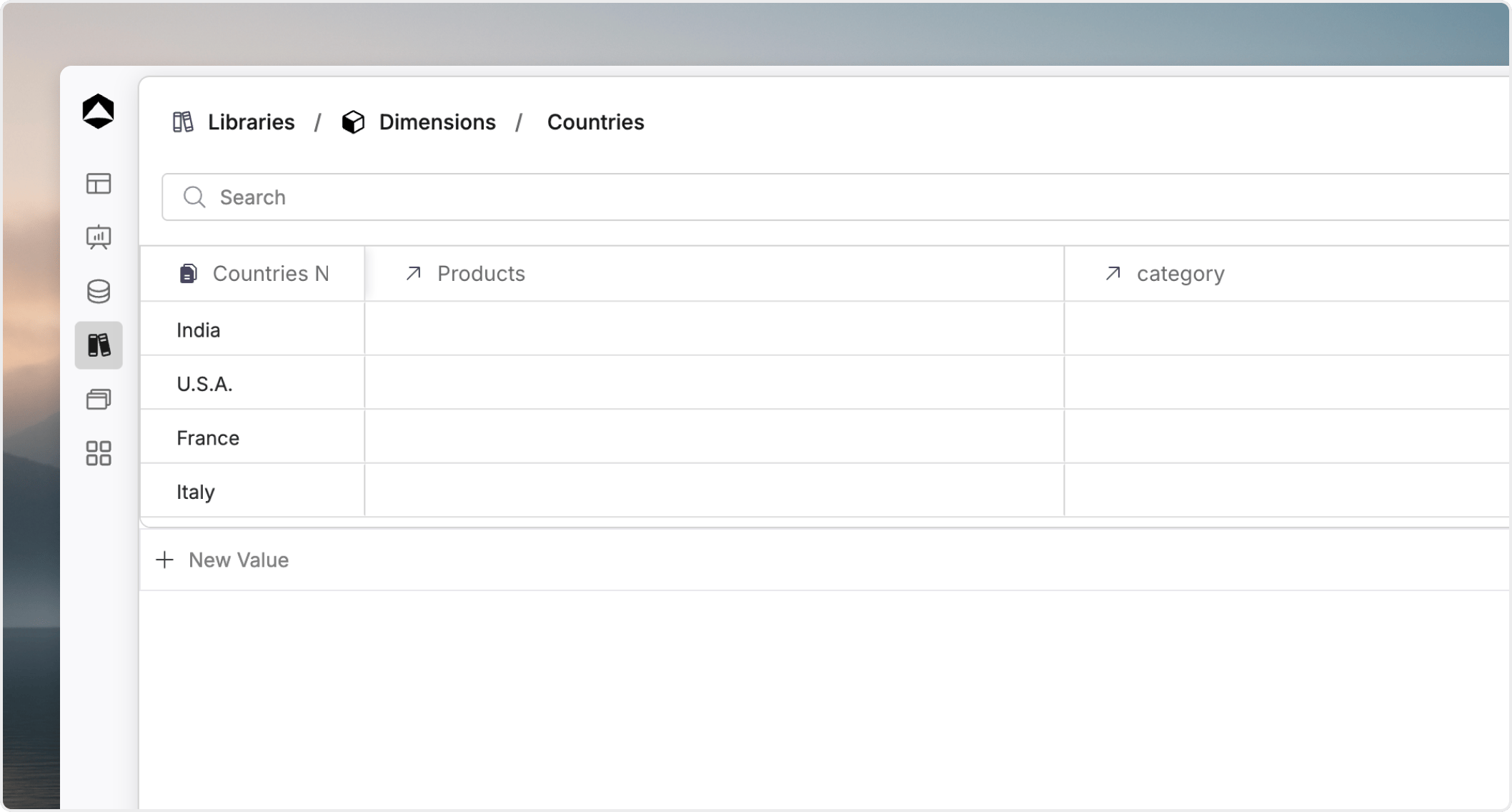
- Add rows: Continue adding new values to the dimension list.
- Add columns: Add columns to define properties or relationships. This allows you to store additional context about the dimension members or use them to map dimensions to each other.