

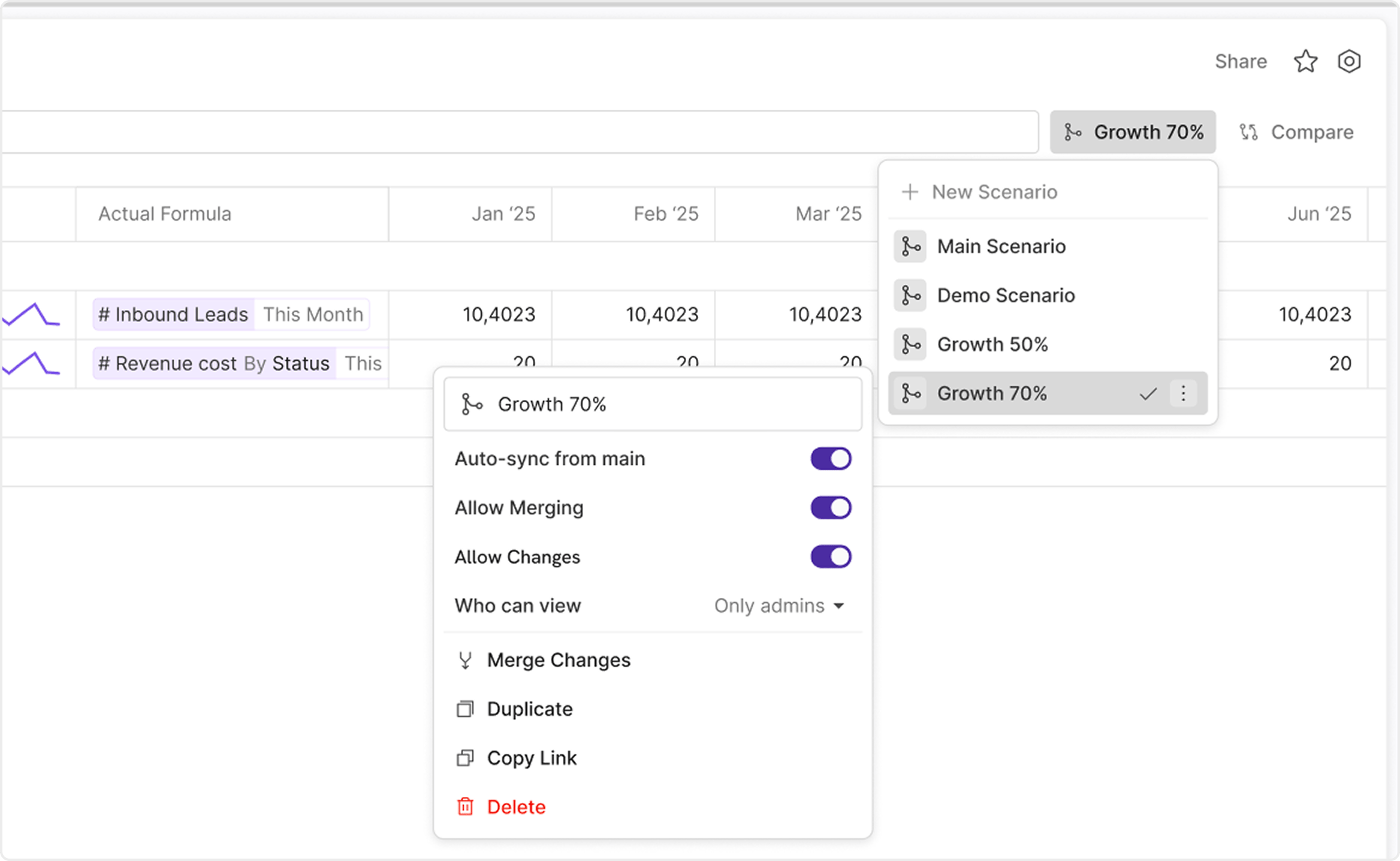
Main Scenario.
Why scenarios matter
Scenarios help teams move quickly without putting the live planning baseline at risk. They are useful when you need to:- test a new assumption set
- preserve an approved baseline
- compare alternatives before making a decision
- isolate risky changes until they are reviewed
The branching mental model
Scenarios work best when you think about them as branches of the same model.Main Scenariois the primary working branch.- Other scenarios are derived branches.
- Local edits become scenario-specific overrides.
- Approved changes can later be merged back into another scenario.
Main Scenario versus derived scenarios
Main Scenario is the default reference state for the model.
Most new scenarios begin from Main Scenario, and teams often treat it as the safest shared baseline. In the current product story, Main Scenario is always available and is the most common destination when users later run Merge Changes.
Derived scenarios are where you:
- make exploratory edits
- create draft alternatives
- preserve a reviewed branch
- continue work from an already approved baseline
What scenarios are not
A scenario is not the same as duplicating a whole model for every planning idea. If the structure, time setup, formulas, and reporting surfaces are still meant to stay shared, a scenario is usually the right tool. If the work needs an entirely separate model structure, that is a different decision.Common scenario use cases
Typical scenario workflows include:- budget versus latest forecast
- hiring freeze or expansion cases
- pricing or volume sensitivity analysis
- board-approved baseline versus working draft
- keeping one locked baseline while planning continues in a separate branch
Core scenario concepts
There are four concepts to understand early:Main Scenario: the default branchoverride: a local scenario-specific changeauto-sync from main: whether non-overridden values continue inheriting fromMain ScenarioMerge Changes: a directional action that moves approved overrides into another scenario