

Why it matters
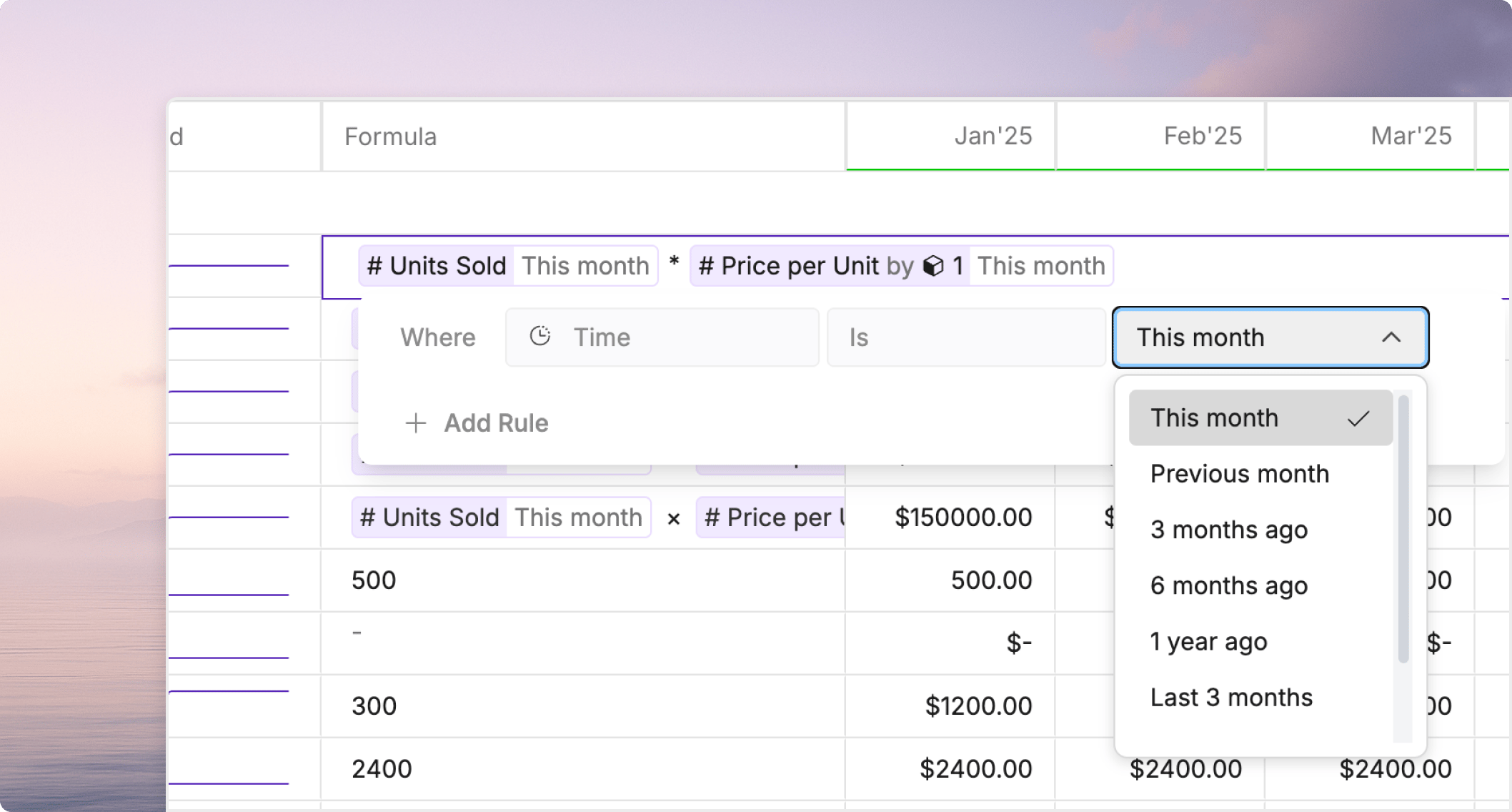
Hard-coded dates create extra maintenance. Relative time helps you avoid rewriting formulas and filters every time the model advances by one period. Use it when the same business rule should keep working in each close cycle, forecast update, or recurring report.How relative time works in Oculon
In Oculon, relative time usually shows up through helper variables, modifiers, and time-aware formulas. Instead of saying “March 2026,” you define the logic relative to the current period, the selected window, or theLast actual date.
This is especially useful when:
- the report should always show the current month or quarter
- a formula should look back one period
- a rolling window should keep moving forward
- a forecast should react differently before and after the
Last actual date
Common patterns
Common relative time patterns include:this monthorthis quarterprevious monthorprevious quarternext quarterlast 3,last 6, orlast 12periodsmonth 1,month 2, and similar rolling references inside forecast logic
Where to use it
Relative time is most helpful in:- formulas that should stay valid after each close
- views and saved filters that should always show the latest relevant periods
- boards and comparisons that use rolling windows or current-period context
Keep it readable
Relative time is powerful, but hidden offsets can be hard to review. To keep it understandable:- use clear variable names
- keep helper variables small and focused
- explain business-critical time logic in the model description or related docs
- link users to
Helper variables and modifierswhen the logic depends on built-in time helpers
Common pitfalls
Watch for these issues:- mixing hard-coded dates with rolling logic in the same formula
- assuming calendar time and fiscal time mean the same thing
- using a rolling window without labeling it clearly in a board or saved view
- hiding important cutoff logic instead of making the relationship to
Last actual dateexplicit