

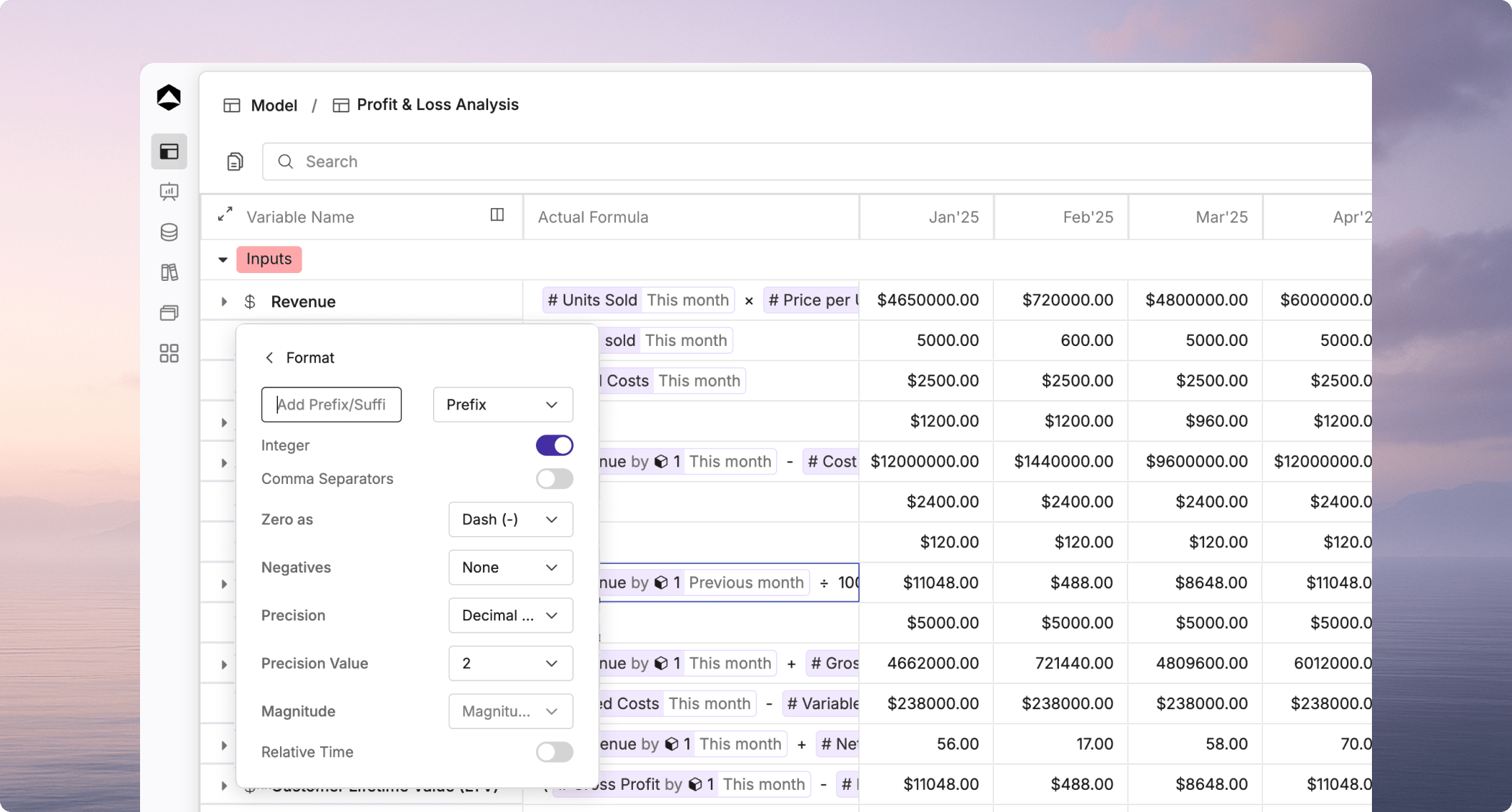
Variable formatting controls how values appear in your model. Use formatting to make numbers easier to scan and to show the right business context at a glance.

Format options

You can customize how values display based on the variable’s purpose.

Choose formatting that matches the metric

Use formatting that reflects the meaning of the variable. A revenue line should look different from a headcount line or a percentage-based KPI. Use the same formatting rules for similar variables in the same model. Consistent precision, separators, and units make reviews faster and reduce confusion.