

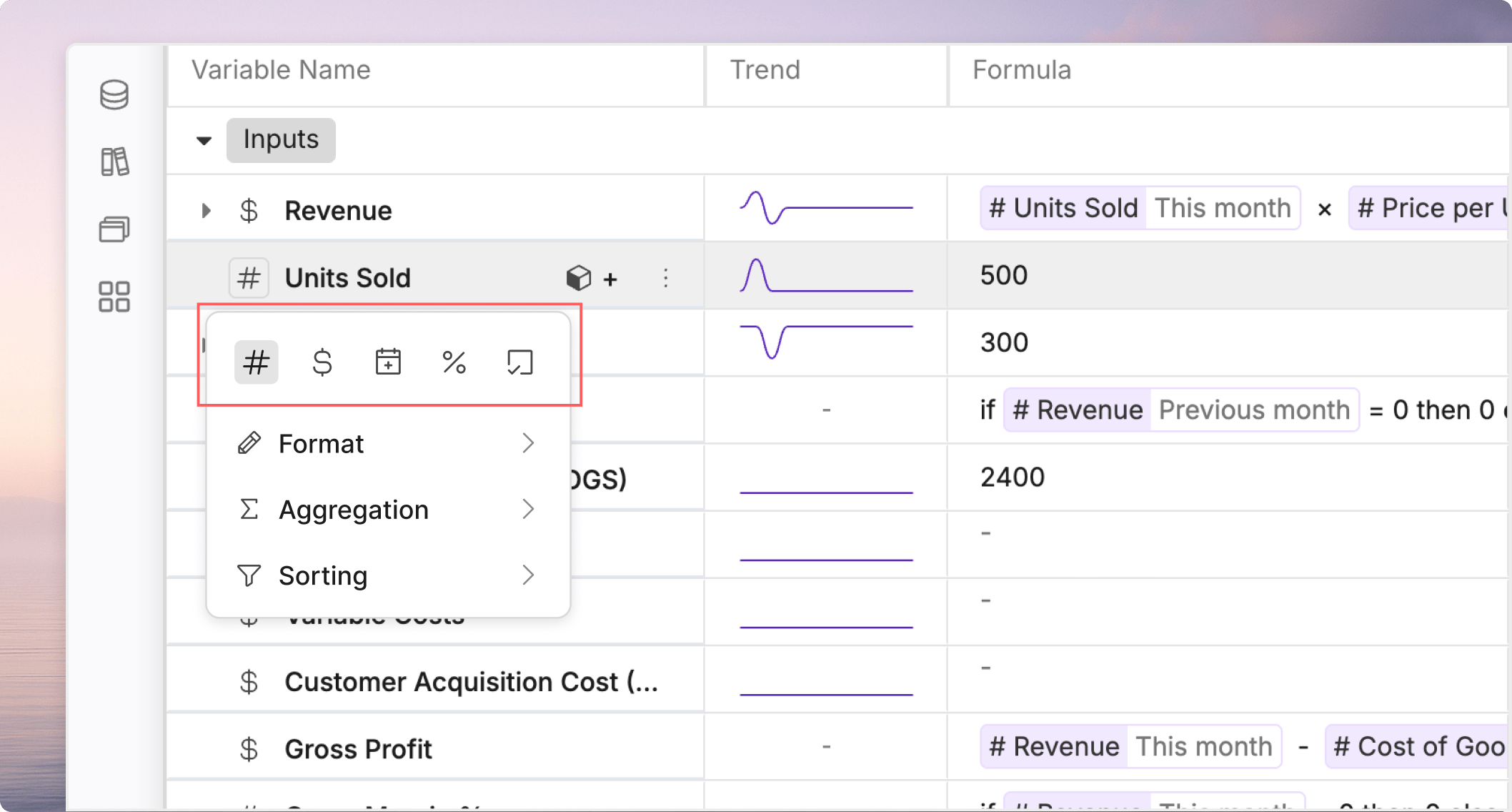
Variable types control how Oculon displays and interprets values. Choosing the right type makes the model easier to read and helps downstream reports behave consistently.

Common variable types

What the type changes

The type affects formatting, not just appearance. Currency and percent variables can carry different default display expectations from plain numbers. Date and boolean fields also communicate different intent to collaborators.

How to choose

Pick the type that matches the question you want the model to answer. If the same line is being used to make a financial decision, make the format obvious to the reader.

Keep formats consistent

Within the same section of a model, use the same type and precision rules for similar variables. Consistency reduces review errors and makes comparisons easier.