

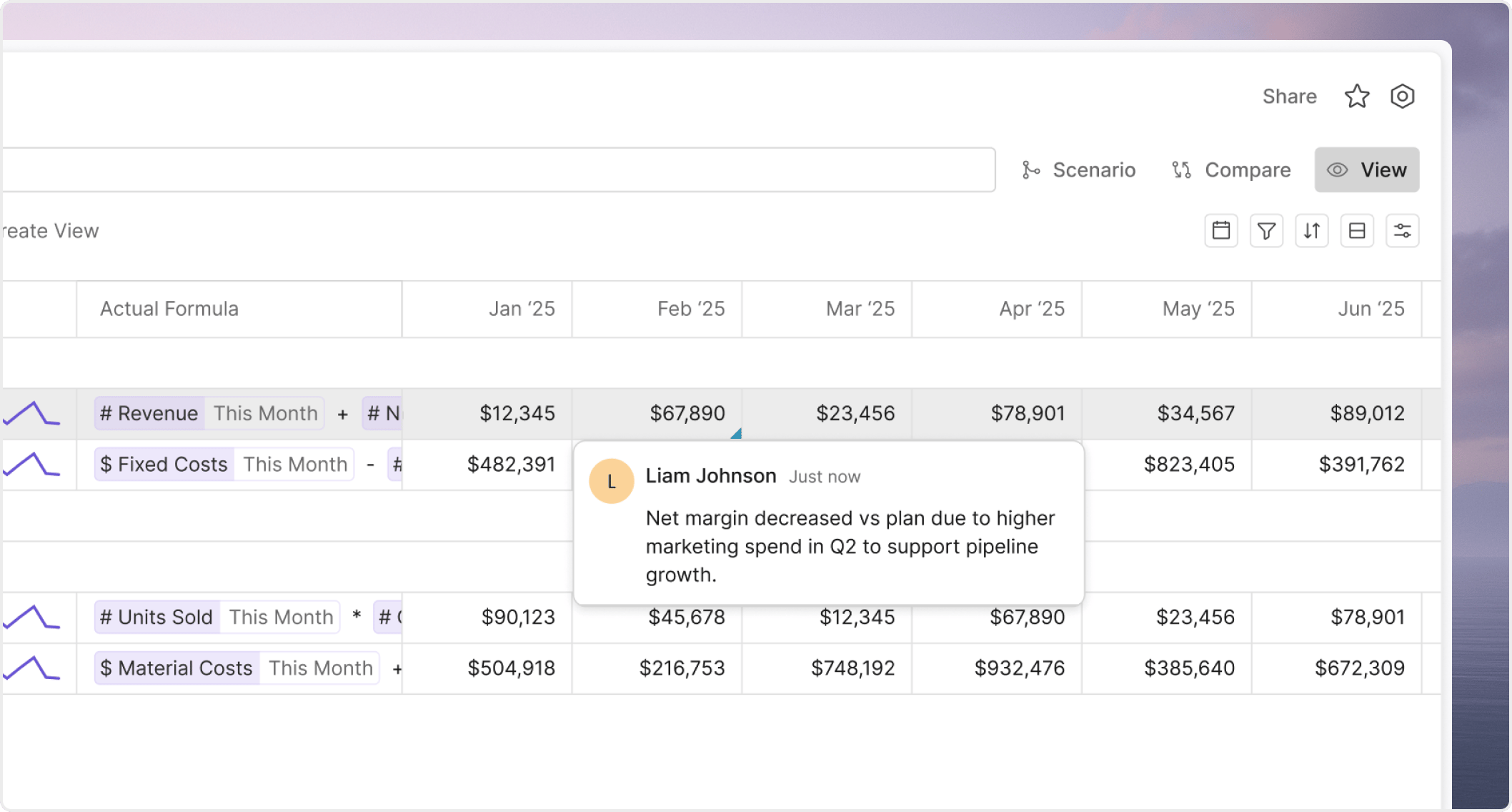
Use comments for decisions, not just reactions
Good comments move work forward. They explain what changed, what needs a response, or what decision is still open. Use comments when you need to:- ask for review on a specific metric or assumption
- explain why a value changed
- capture the business context behind a planning choice
- close the loop on an open question without leaving the model or board
Comment on the smallest useful object
Keep the conversation close to the thing being discussed.- Comment on the specific item under review, not only the broader page.
- Describe the business question, not just the symptom.
- Mention the assumption, time period, scenario, or filter context when it matters.
Keep review cycles structured
Comments work best when they are paired with a clear review surface. Useful patterns include:- a named scenario for in-progress planning changes
- a shared view for one filtered slice of the model
- a board review for decision-ready output
Close loops when the work is done
Comments should not stay open forever.- Resolve comments when the issue is closed.
- Add a final note if the decision changed the model or the expected next step.
- Start a new thread when the topic changes instead of overloading the old one.