

Start with the audience
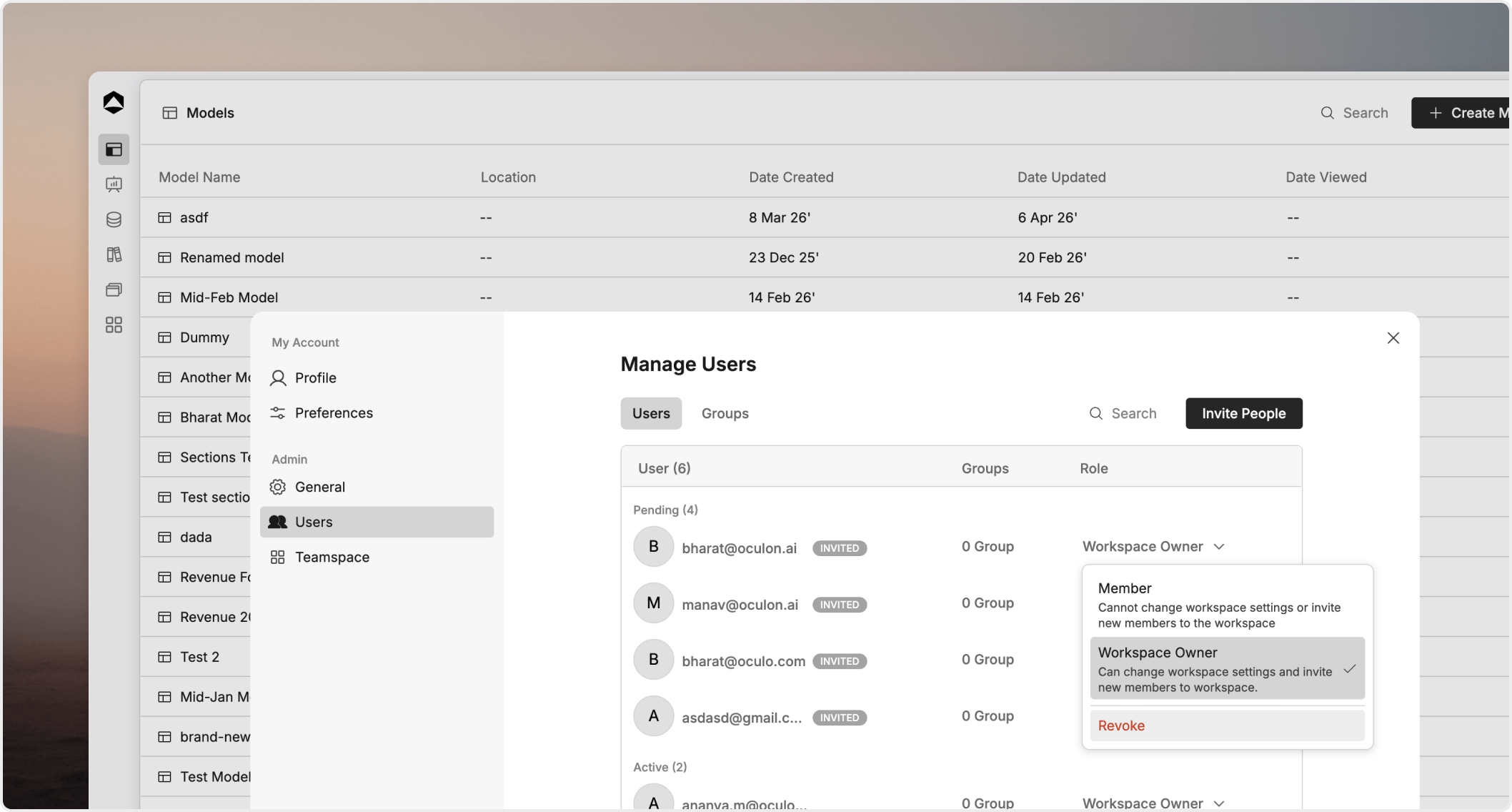
In most cases, you are choosing between three patterns:Membersfor people who work inside the workspace as part of the normal planning process.Guestsfor limited collaboration on a defined slice of content.Groupsfor repeatable access patterns that should apply to several people at once.
Use members for regular collaboration
Members are regular workspace participants. They are part of the ongoing planning and reporting workflow and usually need access to more than one item over time. Use members when someone:- works inside Oculon regularly
- needs access across several models, boards, or views
- should stay in the normal workspace access and governance flow
Use guests for limited access
Guests are better when a person should only see the specific content you choose to share with them. Use guests when someone:- needs limited collaboration rather than broad workspace participation
- should see a board, page, or view without broader planning access
- is external or temporary and does not need the full workspace context
Use groups to scale cleanly
Groups help you apply the same access pattern to several people without updating each person one by one. Groups work best when they reflect stable business structure, such as:- Finance
- RevOps
- Executive review
- Department or regional planning teams
Review changes as people move
This page is not only about adding people. It is also about keeping access current. Review member, guest, and group assignments when:- someone changes teams
- a project ends
- an external review cycle closes
- a shared item moves into a different teamspace or owner structure