

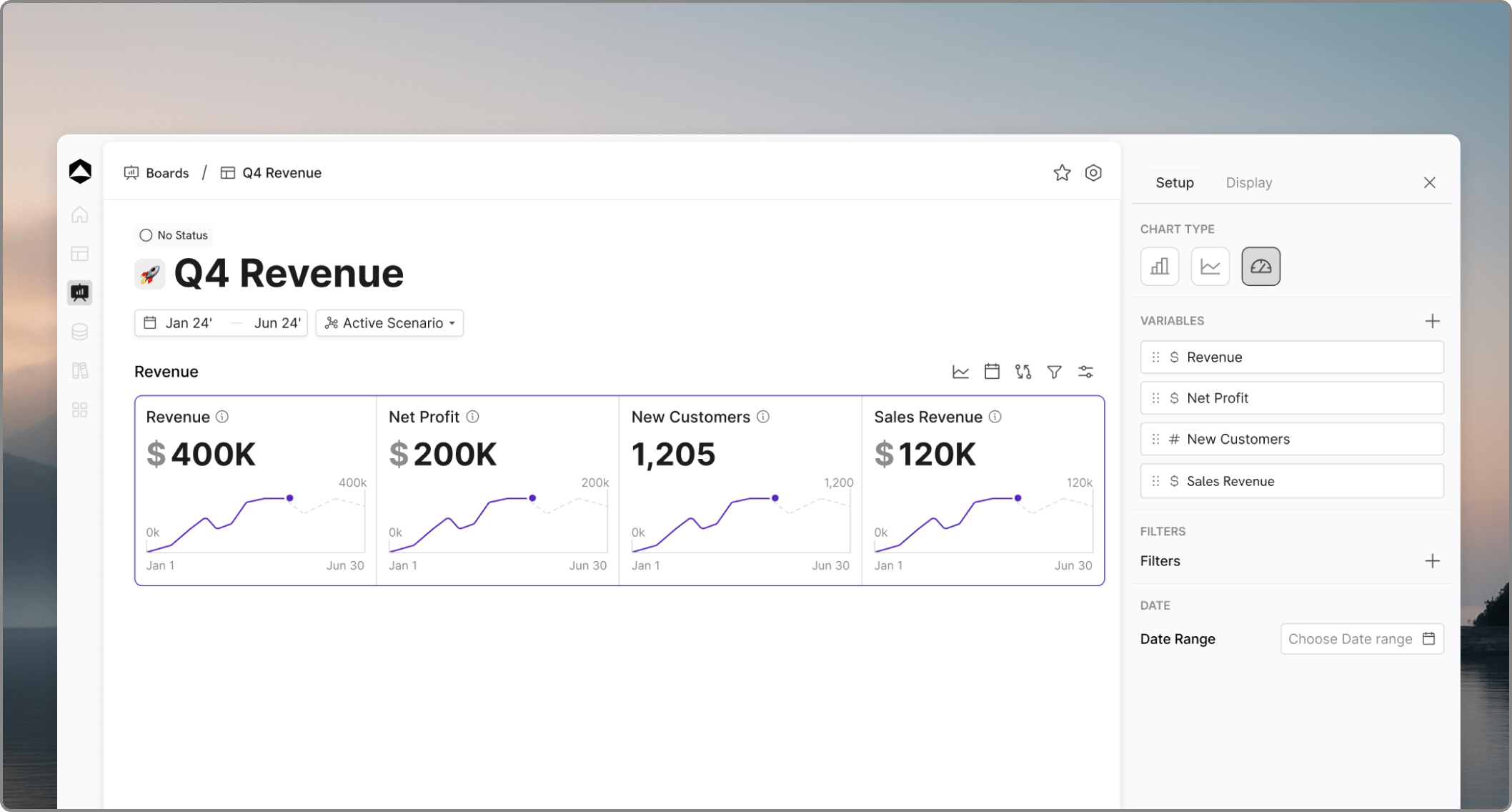
The Metric Chart Type
While Bar and Line charts excel at showing comparisons and trends, the Metric type is designed for high-impact KPI reporting. You can switch any chart card to the Metric type via the Chart Type dropdown in the configuration panel.UI and Capacity
The Metric view is optimized for density and clarity:- Up to 4 Metrics: A single card row can hold up to 4 distinct metrics, allowing you to group related KPIs (e.g., Revenue, EBITDA, Cash Flow, Burn) in one component.
- Unified Configuration: The setup for Metric cards is identical to Bar and Line charts, making it easy to apply existing variables and logic.
Visualization & Sparklines
To add context to your static numbers, you can toggle Sparklines (mini line charts) on or off for each metric. This provides a quick visual of the trend leading up to the current value without cluttering the board with full-sized charts.Filtering & Operations
Metric cards support the same advanced operational features as standard charts:- Scenario Comparison: Switch between scenarios to see how your headline metrics change under different assumptions.
- Dimension & Time Filters: Add component filters directly to the card. This allows viewers to filter the summary data by specific dimensions (e.g., Department, Region) or time ranges instantly.
- Consistency: All filter actions - Time, Dimension, and Scenario - work exactly as they do in Bar and Line chart configurations.