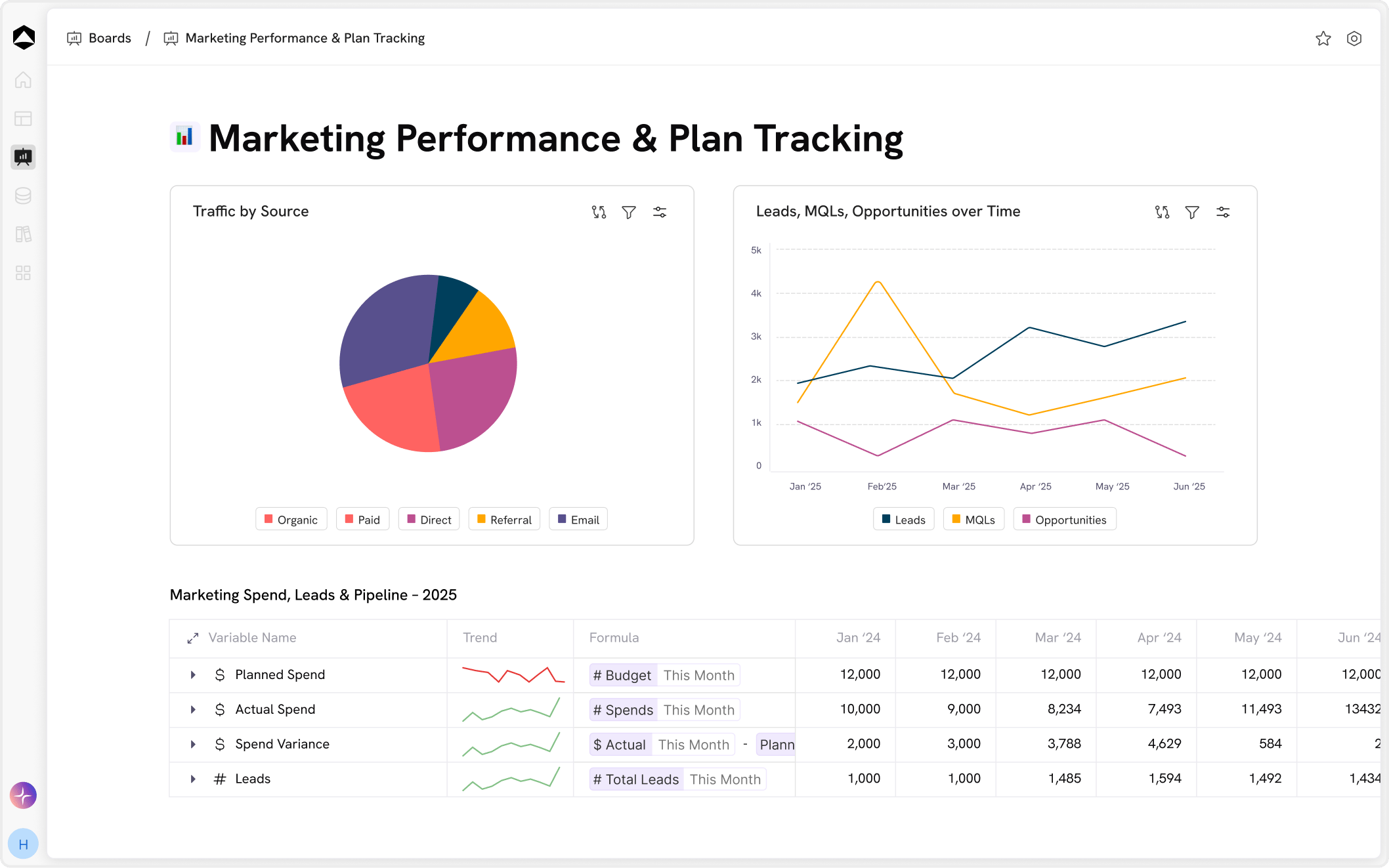
- Click on ’+’ anywhere on the canvas, find the chart option from the dropdown and select it.
- Pick a Chart Type – Fromthe setup panel, choose line, bar chart whatever works best!
- Select variables – Choose one or more variables from the list(variables from all models and database).
- Select Data – After selecting the variables, add filter like dimensions, scenarios, and time range you want to visualize.
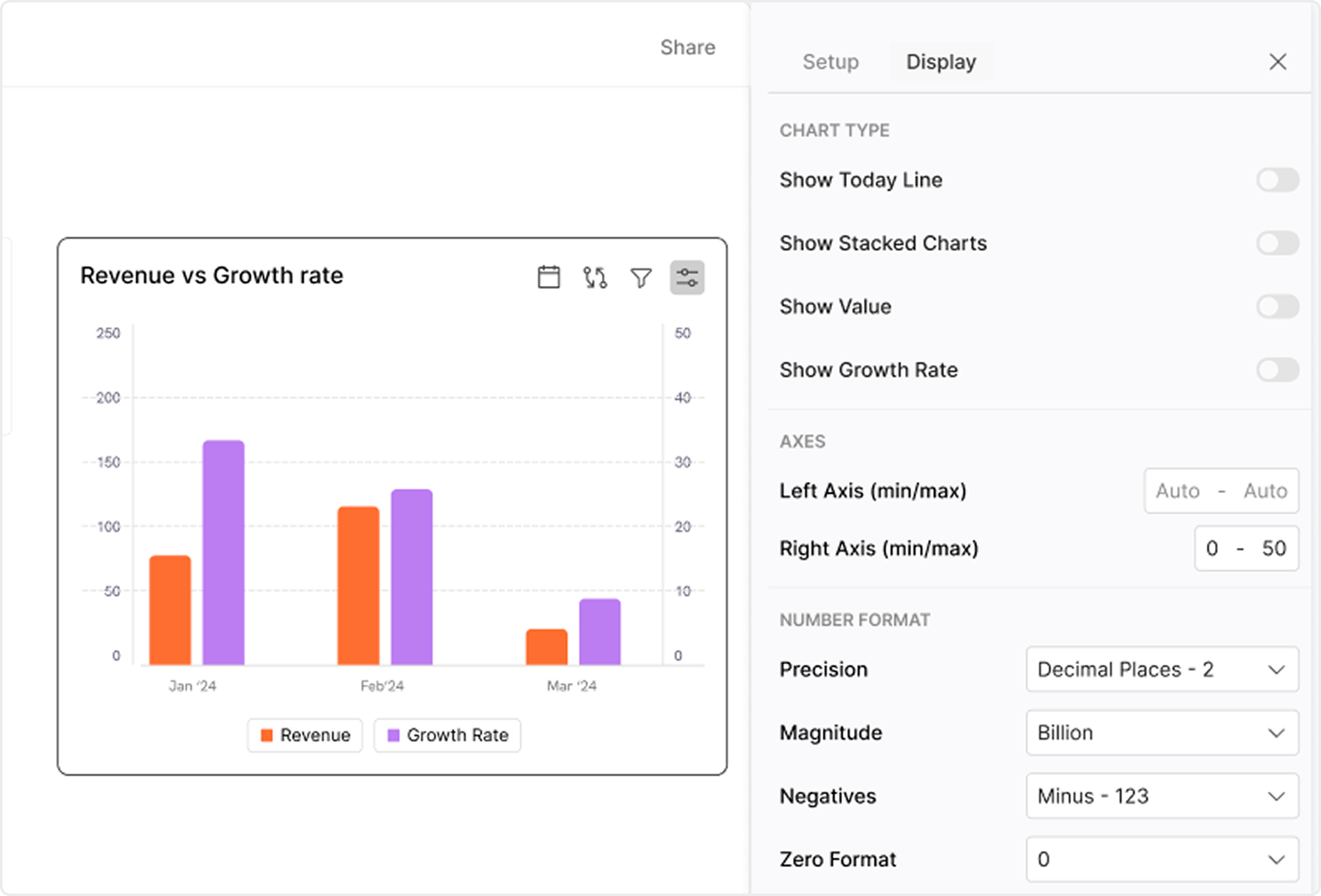
- Customize It – Adjust chart type, Axes, and number format from display tab.
Working with Charts
Update Data – Your charts update automatically when your model changes! Customize Appearance – Modify axes, legends, colors, and annotations. Export & Share – Download as images, PDFs, or share interactive links.Why Use Charts?
Quickly Understand Data – Spot trends, patterns, and anomalies at a glance. Simplify complex things - Scenarios, Versions, Goals, Benchmarks: See the impact of different business assumptions. Present Insights Effectively – Communicate key takeaways with stakeholders. Save Time – No need to manually crunch numbers.Customize Appearance
Give your charts that polished, professional look by customizing their appearance. Here’s how to make your data stand out: Modify Axes: You can use dual axis, and set min and max values. Show and Hide legends: Turn them on or off depending on how much detail you want.