

Why it matters
Using the correct currency helps maintain clarity when working with multi-currency models or financial reports.- Keeps values consistent across models and dashboards
- Helps distinguish between currencies (USD, INR, EUR, etc.)
- Improves readability in time-based tables and reports
How to change currency
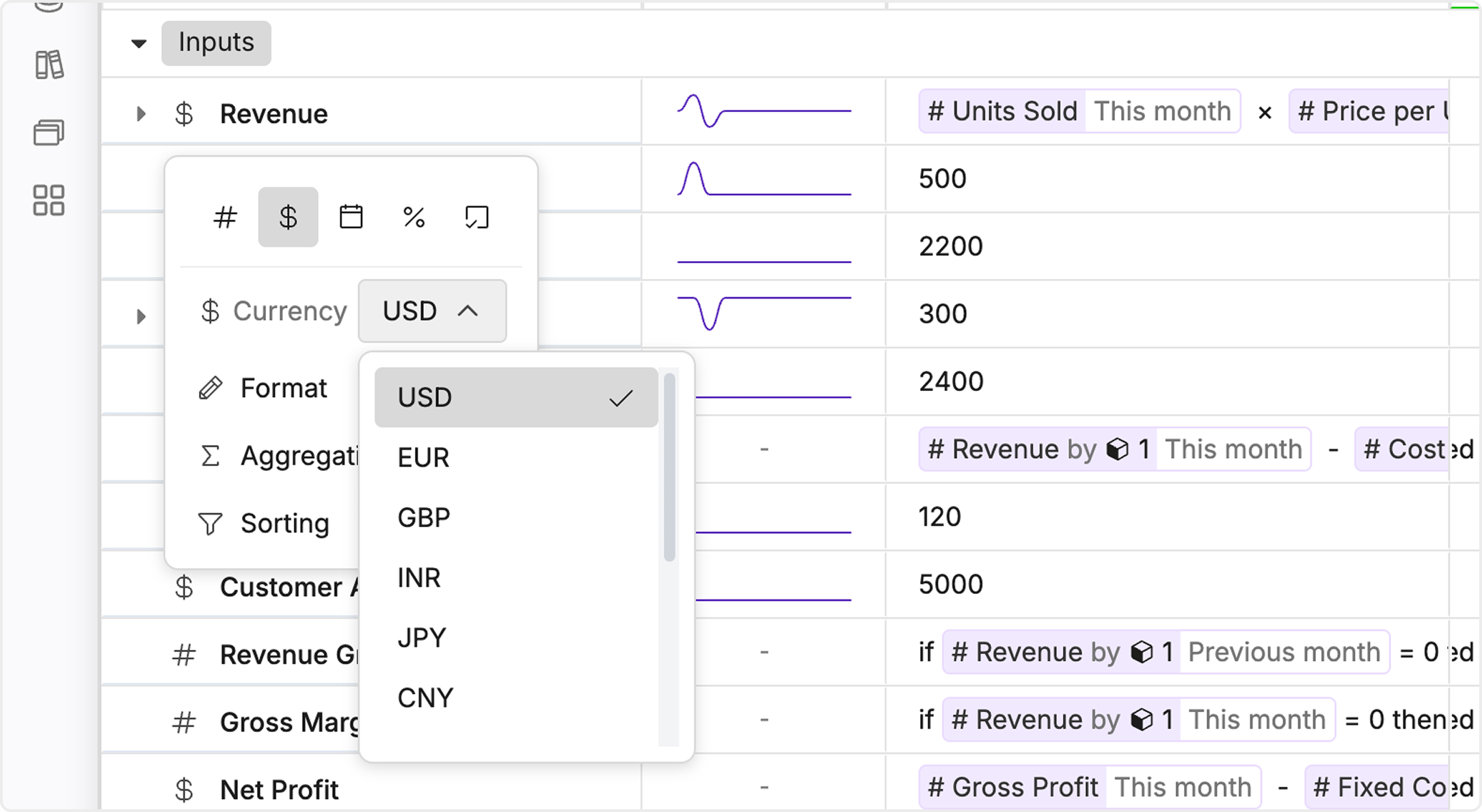
You can update the currency directly from the variable settings:- Select the variable
- Open Format
- Choose the Currency dropdown
- Select the desired currency (USD, INR, EUR, etc.)
What changes
- The currency symbol updates across all time cells for that variable
- Applies consistently in models, dashboards, and views
- Does not change the underlying values, only how they are displayed
Example
If you change currency from USD → INR,$1,000 will be displayed as ₹1,000 across the model.