

How to Create a Formula
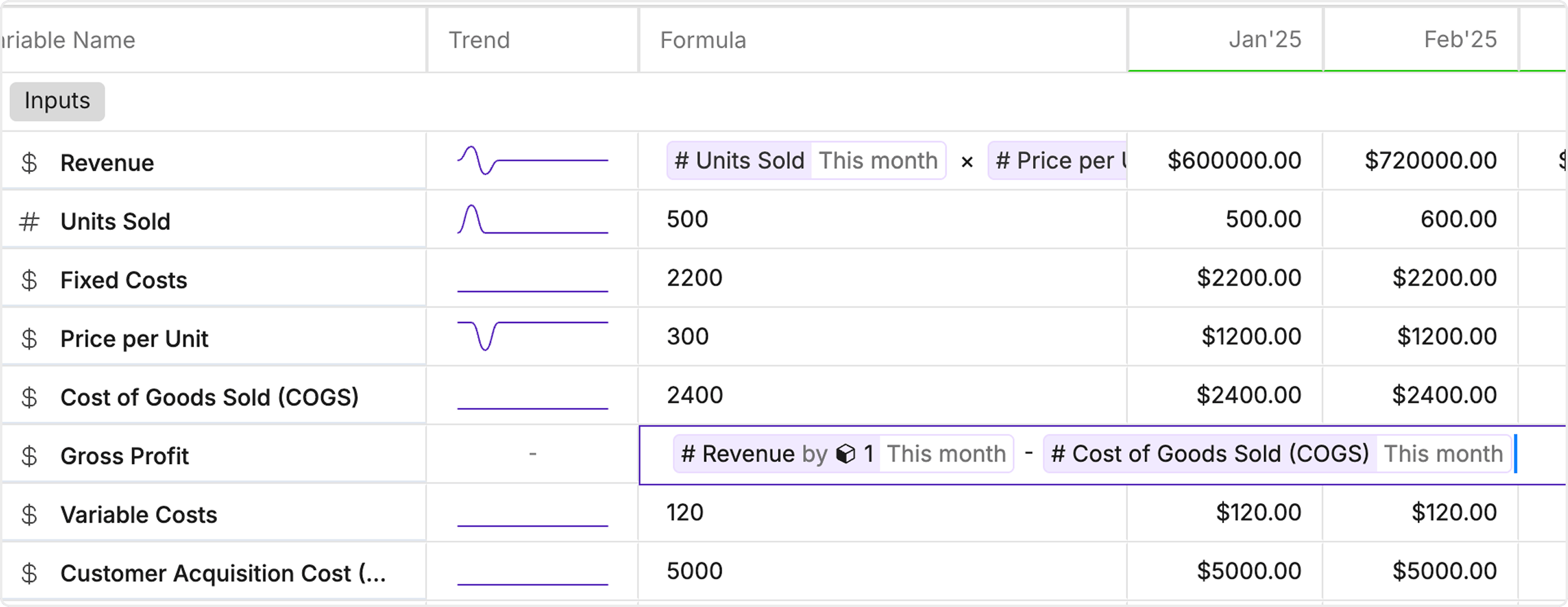
- Select a cell: Click on the cell (ideally the formula cell) where you want to add a formula.
- Open the Formula Cell: You’ll see the formula editor expanded on the model.
- Type Your Formula: Use standard operators and functions (+, -, *, /) or choose from built-in financial and statistical functions.
- Example: Revenue = Price * Quantity
- For summing a range: =SUM(Revenue, Expenses, Taxes)
- Press Enter: Your formula is applied instantly to the variable.